

Recently, we noticed that ProFeedWP, a LinkedIn feed plugin we use, also offers a headless API. It prompted a conversation we’ve been having more often: if AI can help us build the functionality we need, what makes a plugin worth installing or paying for?
For a small feature, opening an AI coding tool can feel more appealing than searching the plugin directory, comparing options and discovering that the setting we need requires an upgrade.
Does that mean the plugin marketplace is heading for the exit?
We think AI raises the bar for what makes a plugin valuable. It also creates an interesting middle ground: building something custom while paying for the parts we would rather have someone else maintain.
Where building with AI makes sense
“Vibe coding” usually means describing what we want to an AI tool, trying the generated code and asking for changes until the result fits. That can be an approachable way to start building, especially when the requirement is small and specific.
Imagine needing a reading-time label, a custom dashboard widget or a block that displays existing content in a particular layout. A focused custom plugin could be a reasonable solution.
The appeal is easy to understand. We can build around our exact requirements, choose which controls to include and avoid installing a larger product for one small feature. AI can also explain unfamiliar code, making the process useful for learning when we take time to understand its suggestions.
Prototypes are another good fit. We can explore an idea before committing to a product or a larger development project.
There are tradeoffs, though. Requirements tend to grow. A simple widget may eventually need settings, permissions, translations and documentation. Custom code also gives us freedom to make changes, but making those changes remains our responsibility.
The work continues after the first working version
A plugin that activates successfully has passed an early milestone. We still need to check how it behaves with different users, unexpected input, empty content and the rest of the site.
WordPress’s own development guidance covers responsibilities such as checking user permissions and validating incoming data and safely displaying it. Those requirements apply regardless of who—or what—wrote the code.
AI can help with reviews and tests, but we still need a way to judge whether the result is sound. Asking the same tool whether its code is safe provides limited reassurance by itself.
Then comes maintenance: WordPress updates, changes elsewhere on the site and future requests from whoever uses it.
That makes the useful cost comparison broader than “plugin subscription versus a few prompts.” It includes reviewing, testing, documenting and supporting the custom version over time.
Why installing a plugin still makes sense
For many site owners, the main attraction of a plugin is convenience.
They want to install it, adjust a few settings and return to running their website. A useful settings screen, clear documentation and a familiar editor block can matter more than having complete control over the underlying code.
For agencies, those details also affect handover. A client who can change a setting independently has a different maintenance arrangement from one who needs a developer to edit a custom plugin.
A well-maintained product can spread development and support work across many customers. Updates, compatibility fixes and responses to reported problems can be part of what we are paying for.
Of course, buying has drawbacks too. Subscriptions add up. Features may be restricted to particular plans. A plugin’s design or workflow may not fit our project, and we depend on its developer continuing to maintain it. Paid products can have bugs and security issues as well.
It is also worth separating installing from buying. The WordPress directory contains free plugins, and a free option may already meet the requirement. The decision should start with what the project needs and who will look after it.
Comparing the three approaches
These are typical tradeoffs; the complexity of the feature and the quality of the product can change the picture.
| Consideration | Build with AI | Install an existing plugin | Custom interface with an API |
|---|---|---|---|
| Setup effort | Generate, review and test | Often configure and style | Build the interface and connect data |
| Flexibility | Control over custom code | Within the plugin’s options | Custom presentation within API limits |
| Ongoing cost | Tools and development time | Free or paid, plus site upkeep | Service fees and development time |
| Maintenance | Our responsibility | Shared with the plugin developer | Our interface; provider’s service |
| Handover | Needs documentation and support | May offer familiar editor controls | Needs a clear support arrangement |
The middle ground: custom design with a maintained service
This is where Headless ProFeed becomes an interesting example.
“Headless” means the service supplies data separately from the interface that displays it. Instead of using a finished feed block, we build the presentation ourselves.
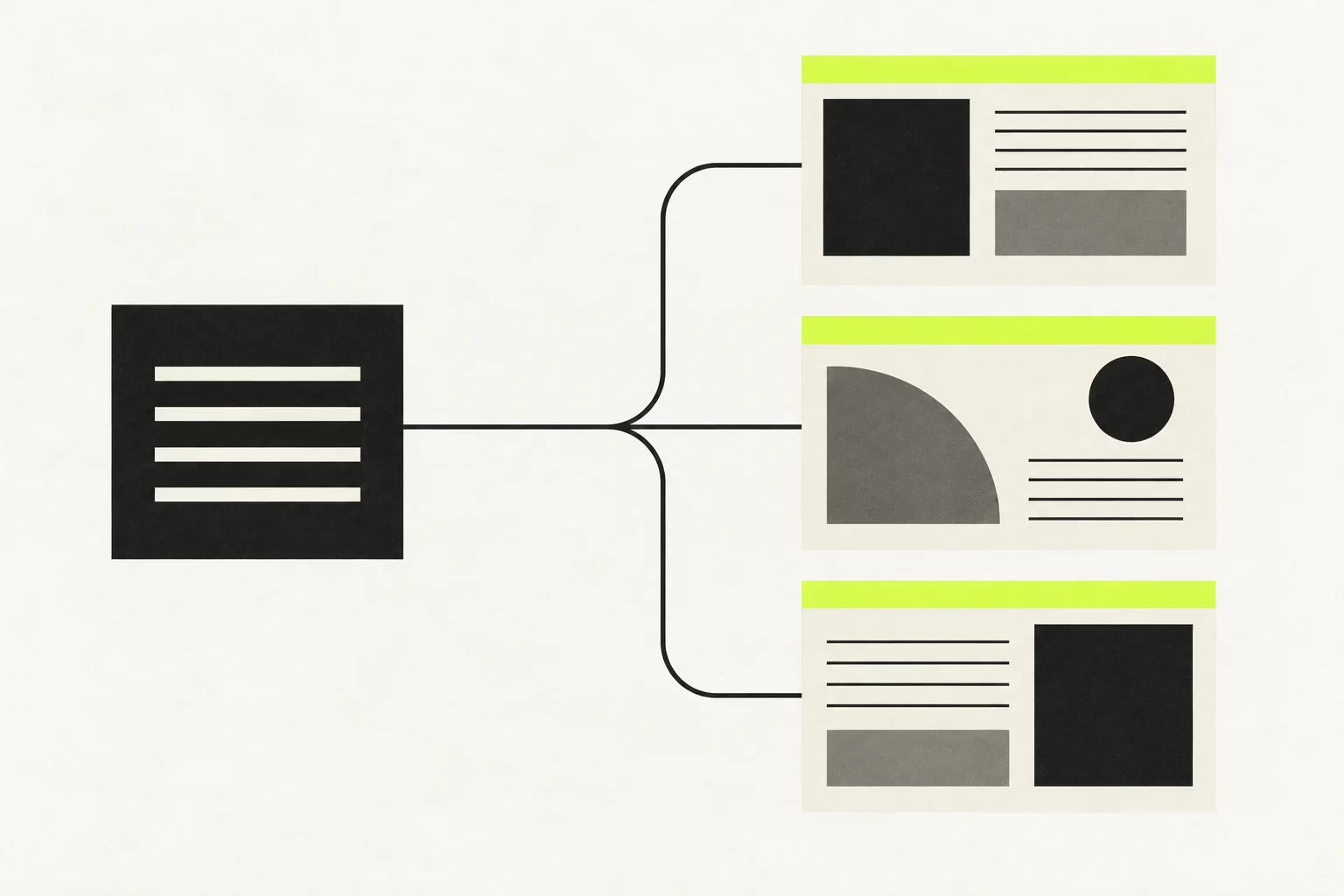
According to its documentation, Headless ProFeed supplies public LinkedIn Company and Showcase Page posts as structured data. It works without WordPress, and its subscription is separate from the WordPress plugin.
Picture a company website that needs its four latest LinkedIn posts in cards matching the rest of its design. AI could help build the cards, responsive layout, loading message and empty state, while the API supplies the posts.
That gives us room to customise the experience without building the entire feed collection service ourselves.
We would still own the interface, accessibility, error handling and integration work. We would also depend on the service’s availability and limits. But it offers a useful division of responsibilities for projects where the standard plugin interface does not fit.
For readers already comfortable using AI to build interfaces, that combination is worth considering.
How we would choose
We would start with the requirement and the maintenance arrangement.
Build with AI when the feature is narrow, the custom behaviour matters and someone can review and maintain the result.
Install a plugin when an existing option meets the need, especially when convenient controls, support and straightforward handover are priorities.
Combine custom code with an API when the project needs a distinctive interface and an external service can handle a useful part of the ongoing work.
Our view is that simple plugins may face more pressure as custom alternatives become easier to create. Products that offer dependable integrations, thoughtful controls and useful support still have reasons to earn their place.
The first working version is becoming easier to reach. Choosing who will keep it working remains a significant part of the decision.
If the combined approach fits your next feed project, the Headless ProFeed documentation is a useful place to explore it.


