
Tutorials — Page 3
-
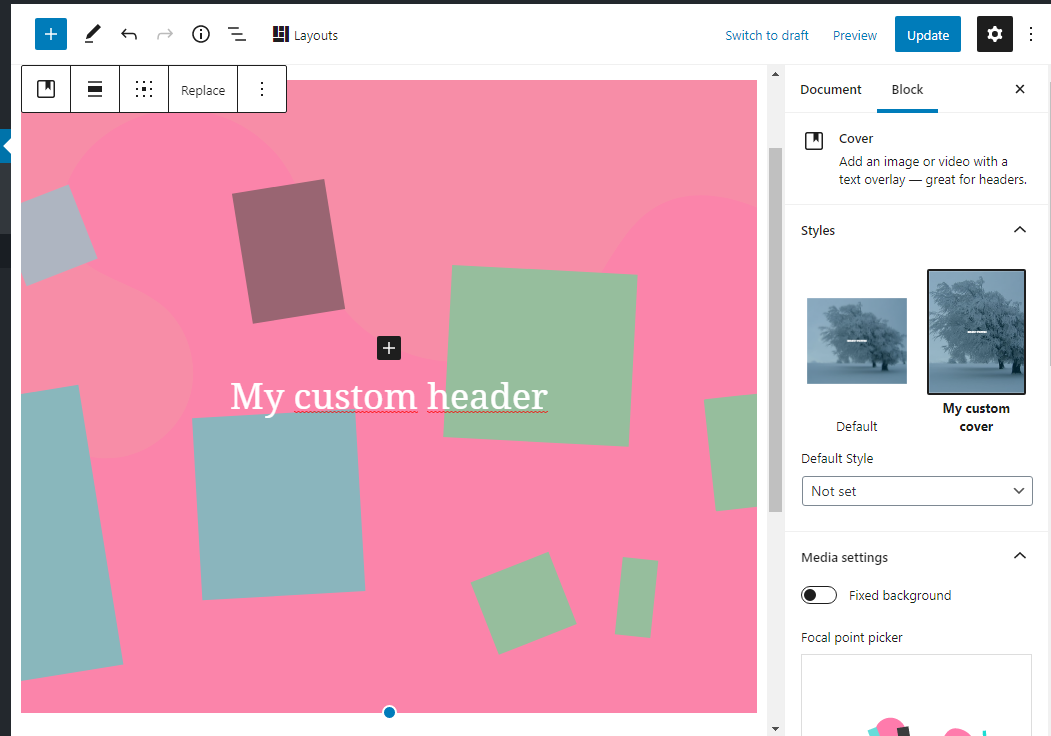
Register block styles in WordPress Gutenberg blocks
Add a named block style, then make its CSS available in both the editor and the frontend.
-
How to add an excerpt to pages and custom post types in WordPress
Expose the excerpt field for pages and custom post types with a small post-type support change.
-

The Hello World Block – Create a custom WordPress Gutenberg Block
Understand how a block is registered and how its edit and save functions produce editor and frontend content.
-

MediaUpload – Coding WordPress Gutenberg block settings
Open the WordPress media library from your block’s settings and store the selected file in attributes.
-

Toggle Control – Coding Gutenberg block settings
Add an accessible on/off control to a block’s settings and store the choice as a boolean attribute.
-
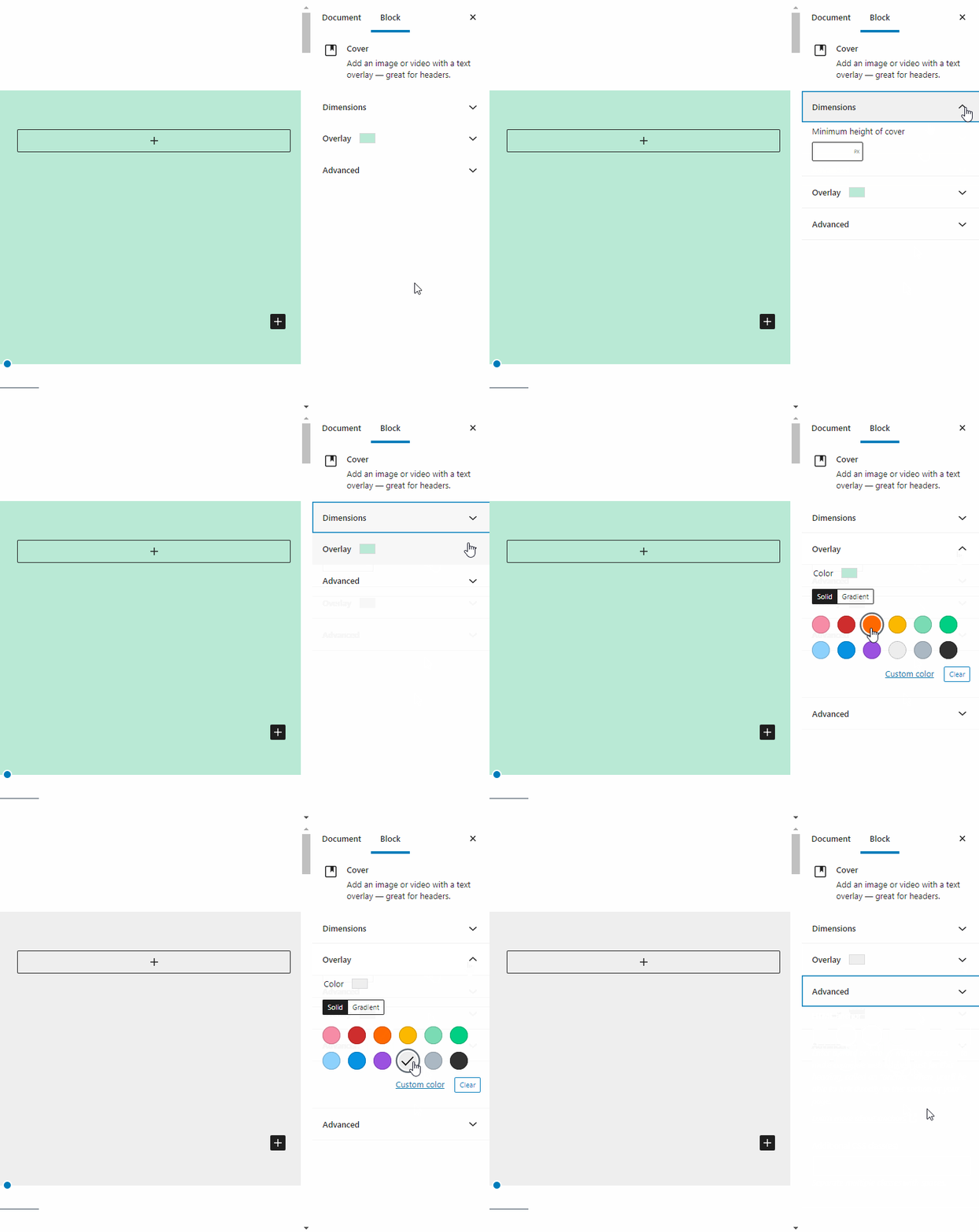
How to code the Inspector Controls – the settings sidebar of Gutenberg blocks?
Connect the block settings sidebar to attributes with InspectorControls, PanelBody and a native control.